
Pokefly: how to set up the fly brain that plays Pokemon Red
A simulated fly brain, 2,000 spiking neurons, playing Pokemon Red on your own PC. Where your ROM goes, why you train the brain first, and what each part of the brain does.
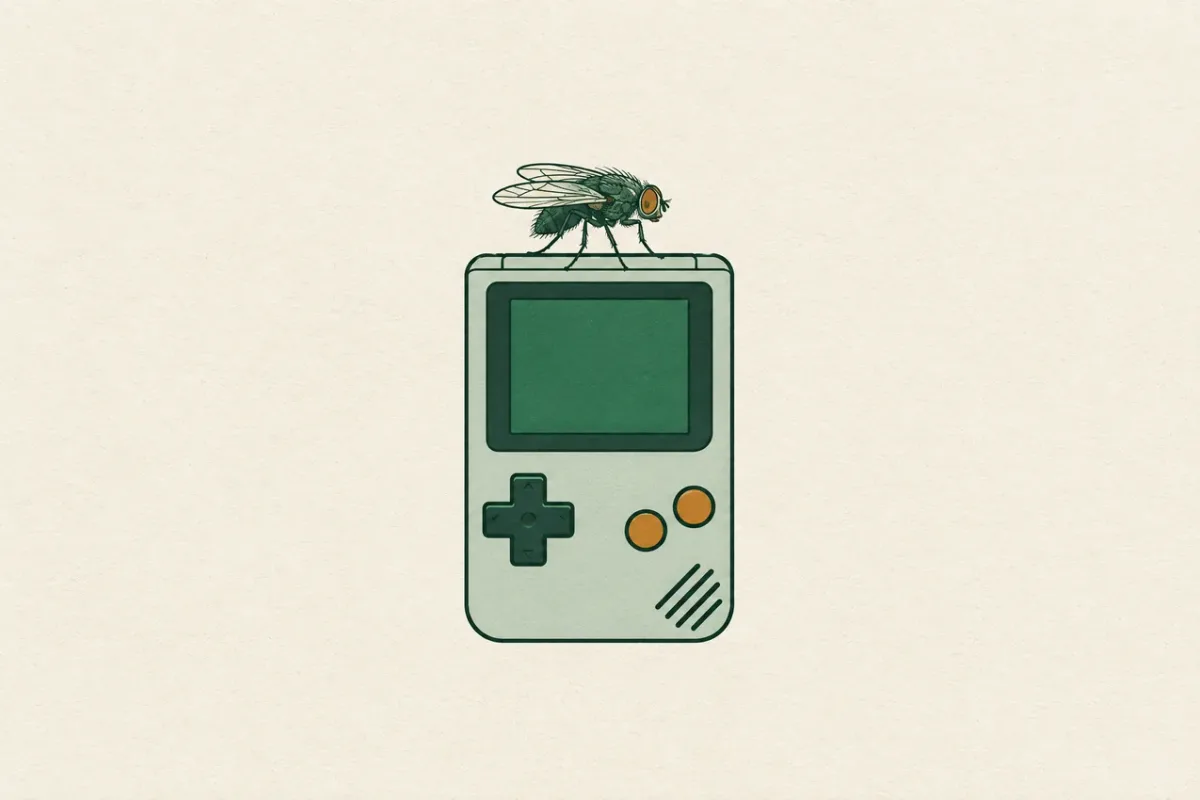
Pokefly is a simulated fly brain that plays Pokemon Red. It watches the Game Boy screen and presses the buttons itself. Untrained, it left Red's house 0 times out of 10. After training, the same fly left 10 out of 10. Here's how to run it on your own machine.
What you need
- A Windows PC with Python 3.13. The commands below are for PowerShell.
- Your own Pokemon Red ROM. It's a .gb file, about 1 MB.
- Around an hour for training. It took 44 minutes on my PC.
Step 1: Get the code
git clone https://github.com/murphyaidanbusiness-ux/pokefly.git
cd pokefly
py -3.13 -m venv .venv
& .\.venv\Scripts\python.exe -m pip install -r requirements.txt
Step 2: Drop your ROM in the roms folder
Inside the project there's a folder called roms. That's the dedicated ROM folder. Put your .gb file in it, and call it whatever you want. Once it's in there the game reads it from that folder, and if the folder is empty it tells you exactly where it looked. Keep one ROM in there. If you drop in two, it lists them and asks you to keep one. Git ignores everything in that folder, so your ROM never ends up on GitHub.
Step 3: Train the brain first
You can run it right away, but an untrained fly just wanders around the bedroom and goes up and down the stairs. For best results, train the brain first:
& .\.venv\Scripts\python.exe train.pyThe first time, it plays from a cold boot until the fly is standing in Red's bedroom (about ten seconds) and saves that spot, because every training round starts from there. Then it runs 2,000,000 ticks of training and keeps the best brain it finds in brains/latest.npz. You don't have to move that file anywhere. The game loads it on its own.
Step 4: Watch it play
& .\.venv\Scripts\python.exe run.py
& .\.venv\Scripts\python.exe run.py --couch
run.py opens the game and picks up wherever the fly left off last time. It keeps learning while you watch and saves every five minutes, and Ctrl+C saves and quits. Add --couch and it opens a browser tab with a little 3D living room instead, where the fly sits on a couch with a controller playing on a CRT.
How the brain works
There are four parts, each loosely copied from a real fruit fly.
- The eyes. The screen gets shrunk to a 16 by 16 grid, and the fly mostly sees what's changing: which squares got brighter and which got darker. That's roughly how a fly's optic lobe picks up motion.
- The brain itself. 2,000 spiking neurons wired as a small world network, so most connections are local with a few long shortcuts. Each neuron builds up charge and fires when it crosses a threshold. This wiring never changes. It's where the fly's reflexes and randomness come from.
- The buttons. Seven groups of 24 neurons, one each for up, down, left, right, A, B and start. A button gets pressed when its group fires more than it usually does. If the fly stands in one spot for 200 ticks, it panics and mashes a burst of random buttons.
- The mushroom body, which is the circuit real flies learn with and the only part here that learns. It looks at the still picture on screen and figures out which buttons paid off in which places. Reaching a new tile or a new room is a reward, read straight from the game's memory. When something goes better than expected it gets a hit of dopamine, and that makes whatever it just did there more likely next time.
Training only ever changes the mushroom body, so what it learns is a nudge toward the right button in the right place, on top of a brain that's still mostly reflexes. That's also why the ceiling is low. It can't read, it can't plan, and it doesn't remember where it's been. It gets out of the house and into buildings in Pallet Town, but don't expect it to beat Brock.