20 things to do before you launch your app
The housekeeping that decides week one: store rejections, spam folder signups, surprise bills, and the submission day checklist, plus the prompt that audits your app against all twenty.
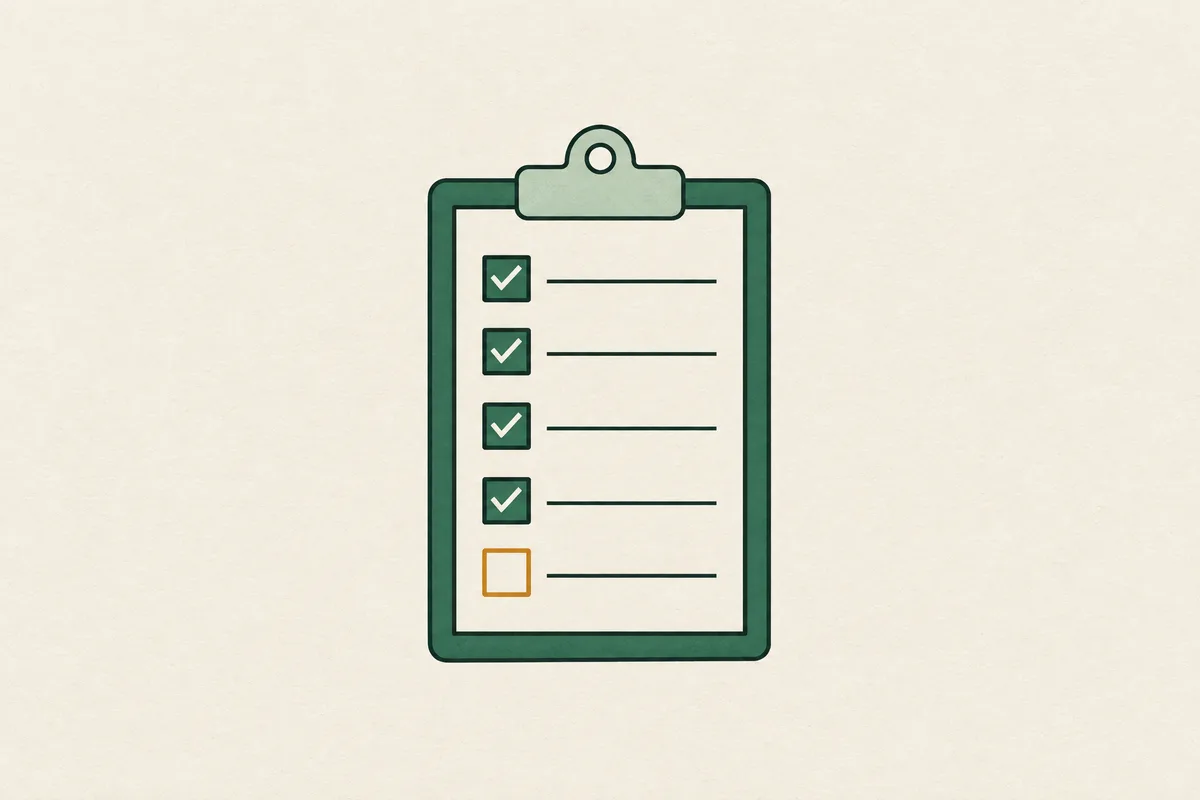
Your app is done. The features work, the screens look right, and you're maybe a week from putting it in the stores. This list is everything else: the twenty pieces of housekeeping that decide whether week one goes smoothly or turns into rejections, dead signups, and a bill you didn't see coming.
Every item ends with what to do about it. If you'd rather not check them by hand, paste this whole page into Claude with the prompt at the bottom and it'll walk your app through all twenty.
1. Run a real beta first
Google Play won't let you skip this one. A personal Play account created after November 2023 must run a closed test with at least 12 testers opted in for 14 consecutive days before you can even apply for production access, and Google then reviews that application, which takes about another week. The 14 days must be continuous: if your opted-in count dips below 12, the clock resets. On iOS, TestFlight gives you 10,000 external testers through a public link.
Even without Google's rule you'd want this. Day one bugs become day one one-star reviews, and your first ten reviews set the tone of your listing for months.
Do: run a TestFlight or closed-track beta at least two weeks before launch. Start the Play Console clock far earlier than feels necessary.
2. Wire up crash reporting
Ship without Sentry or Crashlytics and your crash reporter is your review section. You find out about launch day crashes days late, from angry strangers, with zero stack traces. Add a privacy friendly analytics tool like TelemetryDeck or PostHog in the same pass, because if you can't see the screen where users quit, you can't fix week one.
Do: wire Sentry or Crashlytics during the beta, point analytics at the core loop, and hold yourself to 99% crash-free sessions from day one.
3. Build the delete-account button
If your app has sign-up, both stores will reject you for a missing delete button. Apple guideline 5.1.1(v) requires any app with account creation to offer in-app account deletion. It's been in force since 2022 and it's still one of the top rejections. Google goes further: in-app deletion plus a public web link that works without reinstalling the app, declared in your Data Safety form.
Do: build a delete-account flow with a two-step confirm, a server-side cascade that removes the data everywhere it lives, and the public web deletion link for Play.
4. Host your privacy policy
Apple rejected 1.9 million apps last year, and a dead privacy policy link is one of the cheapest ways to join them. Both stores require a live hosted privacy policy URL. A 404 is an automatic rejection.
Do: host the policy on your own domain, link it in both store listings, and click the link from a device that has never seen it before you submit.
5. Declare what your SDKs collect
The App Privacy label and the Play Data Safety form both want the data your SDKs collect, Crashlytics, analytics, and ads included, even when it never touches your servers. Google runs an automated scan that catches undeclared device IDs. Apple has also required privacy manifests for common SDKs since May 2024.
Do: write down every SDK in the app, fill the labels from that list, and re-check the form each time you add one.
6. Set up SPF, DKIM, and DMARC
Your app can be perfect and still die in the spam folder. Since 2024, Gmail and Yahoo enforce email authentication: SPF and DKIM for every sender, aligned SPF, DKIM, and DMARC for bulk senders, and outright rejection for mail that fails.
Do: send auth email from your own domain through Resend or Postmark and add SPF, DKIM, and DMARC records to your DNS.
7. Test signup with a fresh Gmail
DNS records that look right don't mean your mail lands. If the verification code goes to spam, your activation funnel is dead, and users blame the app.
Do: create a brand-new Gmail account, run your real signup flow, and watch where the verification email lands. Repeat with an Outlook address if you can stand it.
8. Set hard spend caps on every API
One stolen Gemini API key ran up $82,000 in 48 hours. A retry loop billed another team $1.6 million over a weekend. Billing alerts fire after the damage, so an alert alone protects nothing.
Do: set hard caps at every provider that offers them, and put per-user rate limits on any endpoint that costs you money per call.
9. Watch your LLM credit balance
Prepaid LLM credits run out without a sound. OpenAI's API starts returning 429 insufficient_quota errors the moment the balance is spent, and Anthropic's prepaid plans fail the same way. The first symptom is your app's AI features erroring in production, and the second is the reviews about it.
Do: set balance alerts on every prepaid credit pool, and know before launch week whether your provider fails hard or throttles when the balance hits zero.
10. Get off the pausing free tier
Supabase free projects pause after about seven days of inactivity, which kills your demo mid-launch week. Render's free web services spin down after 15 minutes without a request and take 30 to 60 seconds to wake up, and a first-time visitor who waits that long is gone.
Do: move the database and the host off any tier that pauses or sleeps before launch week. Don't wait for the first dead demo.
11. Rehearse a database restore
A backup you've never restored is a file you hope works. In 2017 a GitLab engineer ran a cleanup command on the wrong database and erased production. GitLab had five backup mechanisms: daily snapshots, S3 uploads, replication, manual archives, streaming logs. Every one of them had failed and nobody knew, because nobody had tried a restore. The only usable copy was a manual backup someone happened to take six hours earlier, and six hours of users' issues and merge requests were gone for good.
That was a company full of infrastructure engineers. Your solo project has one backup mechanism and the same odds.
Do: restore your latest backup into a scratch instance, point a dev build at it, and check that real data comes back. Put the steps in a doc while they're fresh.
12. Ship a kill switch
When your launch build breaks, app review means it stays broken for days, and you can't retrofit a kill switch onto binaries already in the wild. Ship v1.0 with remote config and a minimum-supported-version check so you can turn a broken feature off without a review cycle.
Do: put remote config and a min-version gate in the first build, and test flipping a flag off before you need to.
13. Ship an over-the-air hotfix path
The kill switch turns a broken feature off. The hotfix path fixes it. On Expo or React Native, EAS Update pushes JavaScript fixes over the air in minutes instead of the days a store review takes.
Do: set up the OTA update channel and push one test update through it before launch, so your first real push isn't during an emergency.
14. Move support email to your own domain
A support@ address on your own domain instead of your personal Gmail, and a live support URL in the App Store listing, since a dead one is a metadata rejection. While you're in there, remember your app name: App Store Connect holds a reserved name for 90 days and gives you zero trademark protection.
Do: set up domain email, put up a real support page, and reserve the name late enough that you ship inside the 90-day window.
15. Use your agent's address, not your home
Since February 2025, monetizing in the EU requires trader status: your address, phone number, and email published on your store page. Apple removed around 135,000 apps that didn't comply. If you registered with your home address, your home address is what gets published.
Do: form the entity and use a registered agent address before launch. It's the cheapest privacy you'll ever buy.
16. Put a demo account in the review notes
A missing login is a guideline 2.1 rejection, and it's the most common avoidable one. While you're in the listing, check the screenshots too: showing features that don't exist is a 2.3 rejection.
Do: create a demo account with realistic data, verify the credentials work on a clean device, and paste them into the review notes.
17. Test Restore Purchases after a reinstall
The user who pays, drops their phone in a lake, and reinstalls on a new device is the user who leaves the one-star review when their subscription doesn't come back. Apple also checks during review: guideline 3.1.1 requires a restore mechanism for any subscription or non-consumable purchase, and a paywall without one gets rejected. AI generated paywalls fail this one on repeat, because the model builds the purchase flow and skips the boring compliance part.
A button labeled Restore isn't enough either. It has to call StoreKit, pull the user's transactions, and re-grant the entitlement.
Do: buy with a sandbox account, delete the app, reinstall, and hit Restore Purchases on a real device. Disclose auto-renewal terms on the paywall while you're at it.
18. Swap the test payment key for production
Shipping the sandbox key in the release build is a classic miss on the RevenueCat launch checklist. Purchases work for you all through testing, then fail for every real customer on day one.
Do: check the build config for the production key, then make one real purchase with a real card and refund it.
19. Turn on phased release
Phased release rolls your update out to auto-update users over seven days at fixed percentages: 1%, 2%, 5%, 10%, 20%, 50%, then everyone. A bad build hurts 1% of your ratings instead of all of them, and you can pause the rollout for up to 30 days while you fix it. Pair it with "Manually release this version" so approval doesn't launch you by surprise at 3am.
Do: check both boxes before you submit. And hold the rating prompt: don't fire it on first open, ask around day ten after a success moment.
20. Never submit on a Friday
Apple reviews 90% of submissions within 24 hours, but review staffing thins on weekends, and a submission that goes in Friday evening can sit until Monday. Worse, a launch crash on a Saturday means two days of one-star reviews while your fix waits in the same thin queue.
Do: submit Monday to Wednesday, and run items 16 through 20 as a literal checklist the day you do.
Paste this into Claude
Give your AI this page plus access to your codebase, or just answer its questions about your setup, and let it run the audit for you.
I'm about to launch my app. Below is a twenty-item pre-launch checklist. Go through it one item at a time against my codebase and what I tell you about my setup.

For each item, tell me: pass, fail, or can't tell. If it's a fail, show me the specific file, setting, or missing piece, then give me the fix. If you can't tell from the code, list the exact things I need to check by hand (store console settings, DNS records, provider dashboards) and how to check each one.

Then rank the failures by how badly each would hurt me in week one and give me the fix order. Start with items 6 through 11, since every one of those fails silently.

[paste the twenty items here]
No code handy? Paste your privacy policy, your store listing text, and a description of your stack instead. That covers items 3 through 5 and 14 through 20 on its own, and the answers to the AI's follow-up questions cover most of the rest.